Weekly AI Digest
Master the AI Revolution
Exclusive prompts, model comparisons & creative techniques — curated weekly for creators and professionals who stay ahead.
No spam. Unsubscribe anytime.
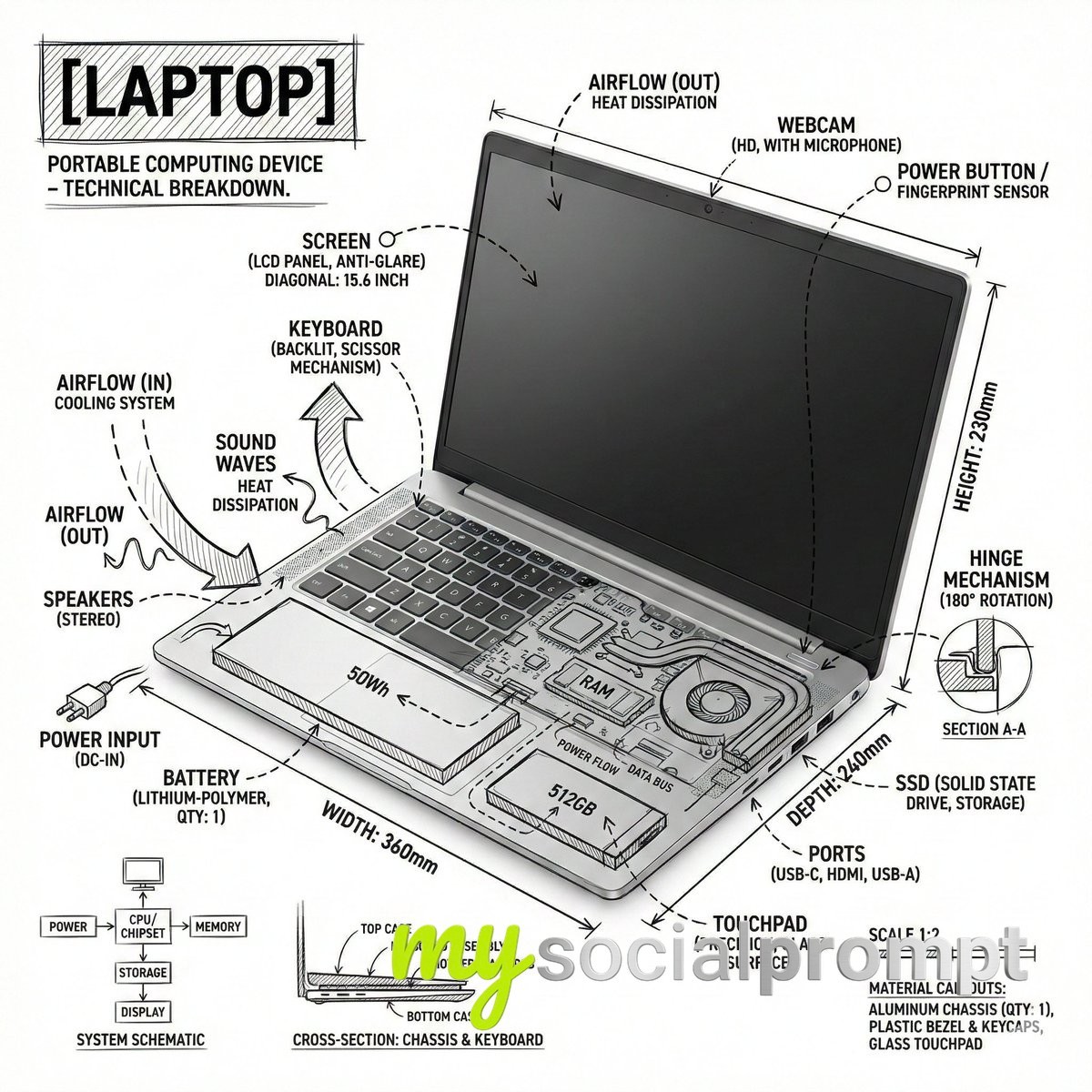
Create an infographic image of laptop ,combining a realistic photograph or photoreal render of the object with technical annotation overlays placed directly on top.Use black ink–style line drawings and text (technical pen / architectural sketch look) on a pure white studio background, including:•Key component labels•Internal cutaway or exploded-view outlines•Measurements, dimensions, and scale markers•Material callouts and quantities•Arrows indicating function, force, or flow (air, sound, power, pressure)•Simple schematic or sectional diagrams where relevantPlace the title [OBJECT] inside a hand-drawn technical annotation box in one corner.Style & layout rules:•The real object remains clearly visible beneath the annotations•Annotations feel sketched, technical, and architectural•Clean composition with balanced negative space•Educational, museum-exhibit / engineering-manual vibeVisual style:Minimal technical illustration aesthetic, black linework over realistic imagery, precise but slightly hand-drawn feel.Color palette:White background, black annotation lines and text only. No colors.Output:1080×1080, ultra-crisp, social-feed optimized, no watermark.”Es par ek text post bnao X ke liye ki ye mere dwara bnata gya hai
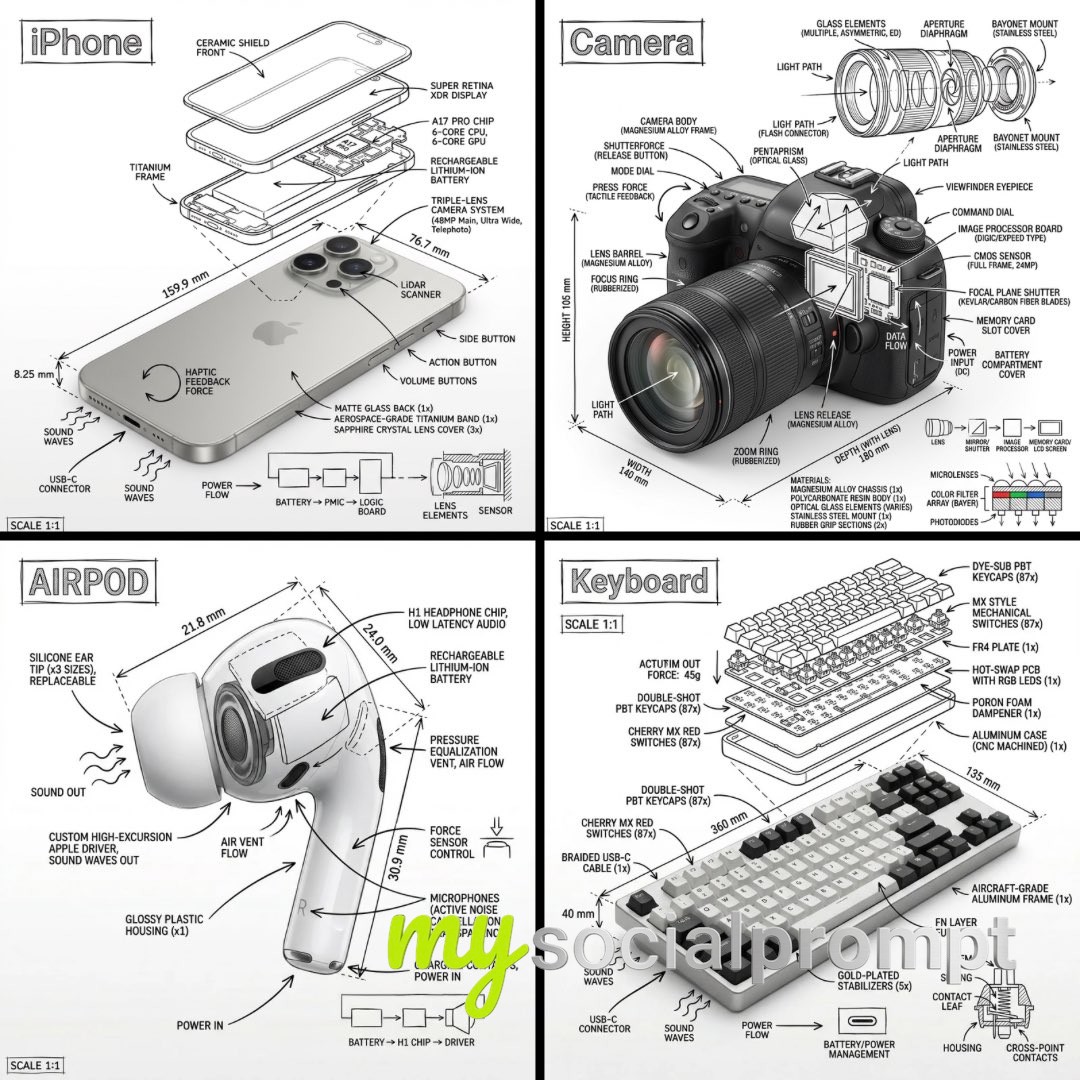
Create an infographic image of [OBJECT], combining a realistic photograph or photoreal render of the object with technical annotation overlays placed directly on top.Use black ink–style line drawings and text (technical pen / architectural sketch look) on a pure white studio background, including:•Key component labels•Internal cutaway or exploded-view outlines•Measurements, dimensions, and scale markers•Material callouts and quantities•Arrows indicating function, force, or flow (air, sound, power, pressure)•Simple schematic or sectional diagrams where relevantPlace the title [OBJECT] inside a hand-drawn technical annotation box in one corner.Style & layout rules:•The real object remains clearly visible beneath the annotations•Annotations feel sketched, technical, and architectural•Clean composition with balanced negative space•Educational, museum-exhibit / engineering-manual vibeVisual style:Minimal technical illustration aesthetic, black linework over realistic imagery, precise but slightly hand-drawn feel.Color palette:White background, black annotation lines and text only. No colors.Output:1080×1080, ultra-crisp, social-feed optimized, no watermark.
You've reached the end of the feed