Weekly AI Digest
Master the AI Revolution
Exclusive prompts, model comparisons & creative techniques — curated weekly for creators and professionals who stay ahead.
No spam. Unsubscribe anytime.
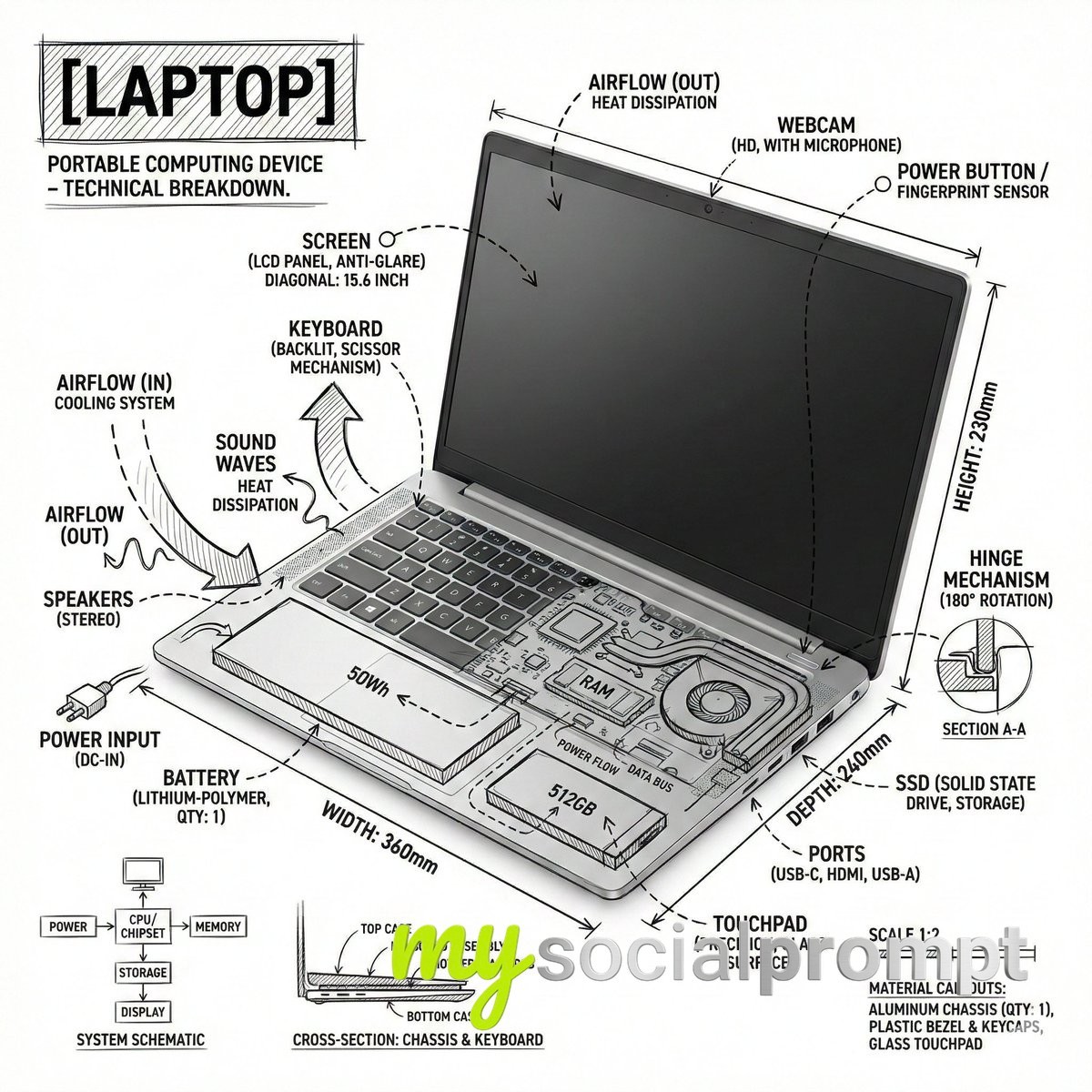
Create an infographic image of laptop ,combining a realistic photograph or photoreal render of the object with technical annotation overlays placed directly on top.Use black ink–style line drawings and text (technical pen / architectural sketch look) on a pure white studio background, including:•Key component labels•Internal cutaway or exploded-view outlines•Measurements, dimensions, and scale markers•Material callouts and quantities•Arrows indicating function, force, or flow (air, sound, power, pressure)•Simple schematic or sectional diagrams where relevantPlace the title [OBJECT] inside a hand-drawn technical annotation box in one corner.Style & layout rules:•The real object remains clearly visible beneath the annotations•Annotations feel sketched, technical, and architectural•Clean composition with balanced negative space•Educational, museum-exhibit / engineering-manual vibeVisual style:Minimal technical illustration aesthetic, black linework over realistic imagery, precise but slightly hand-drawn feel.Color palette:White background, black annotation lines and text only. No colors.Output:1080×1080, ultra-crisp, social-feed optimized, no watermark.”Es par ek text post bnao X ke liye ki ye mere dwara bnata gya hai
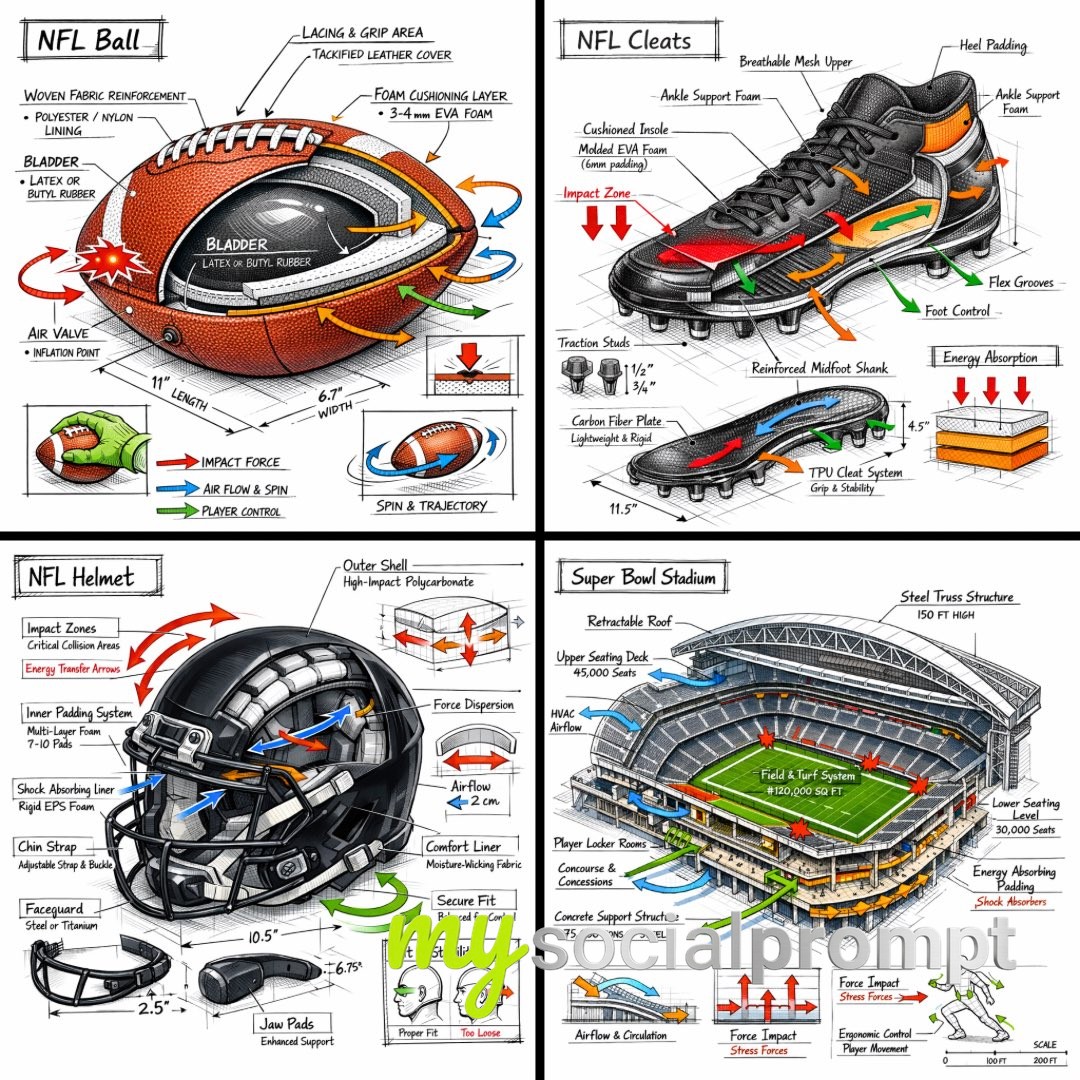
Create a technical infographic of [OBJECT] with a 45-degree isometric 3D perspective, slightly tilted to reveal depth, structure, and internal construction.Combine a realistic photoreal render with black ink technical annotations on a pure white background. Include:• Key component labels with clean callout boxes• Internal structure visibility through cutaway or exploded sections• Measurements, dimensions, and scale markers• Material callouts and quantities• Color-coded arrows indicating functional systems:•RED: impact force, collision zones, stress points•BLUE: airflow, spin, grip interaction, movement dynamics•GREEN: player control, handling, ergonomics•ORANGE: padding, reinforcement, energy absorptionInclude simple sectional diagrams or force-flow schematics where relevant.Place the title “[OBJECT]” inside a hand-drawn technical annotation box in the top-left corner.Style:Black ink technical linework (architectural / engineering manual style), precise but slightly hand-sketched. The object remains clearly visible beneath annotations. Clean, museum-exhibit / sports engineering vibe.Perspective:Isometric 3D angle emphasizing depth, form, and internal architecture — like a professional equipment teardown.Color palette:White background, black linework with ~10–15% accent color usage (functional arrows only).Output:1080×1080, ultra-crisp, social-feed optimized, no watermark.
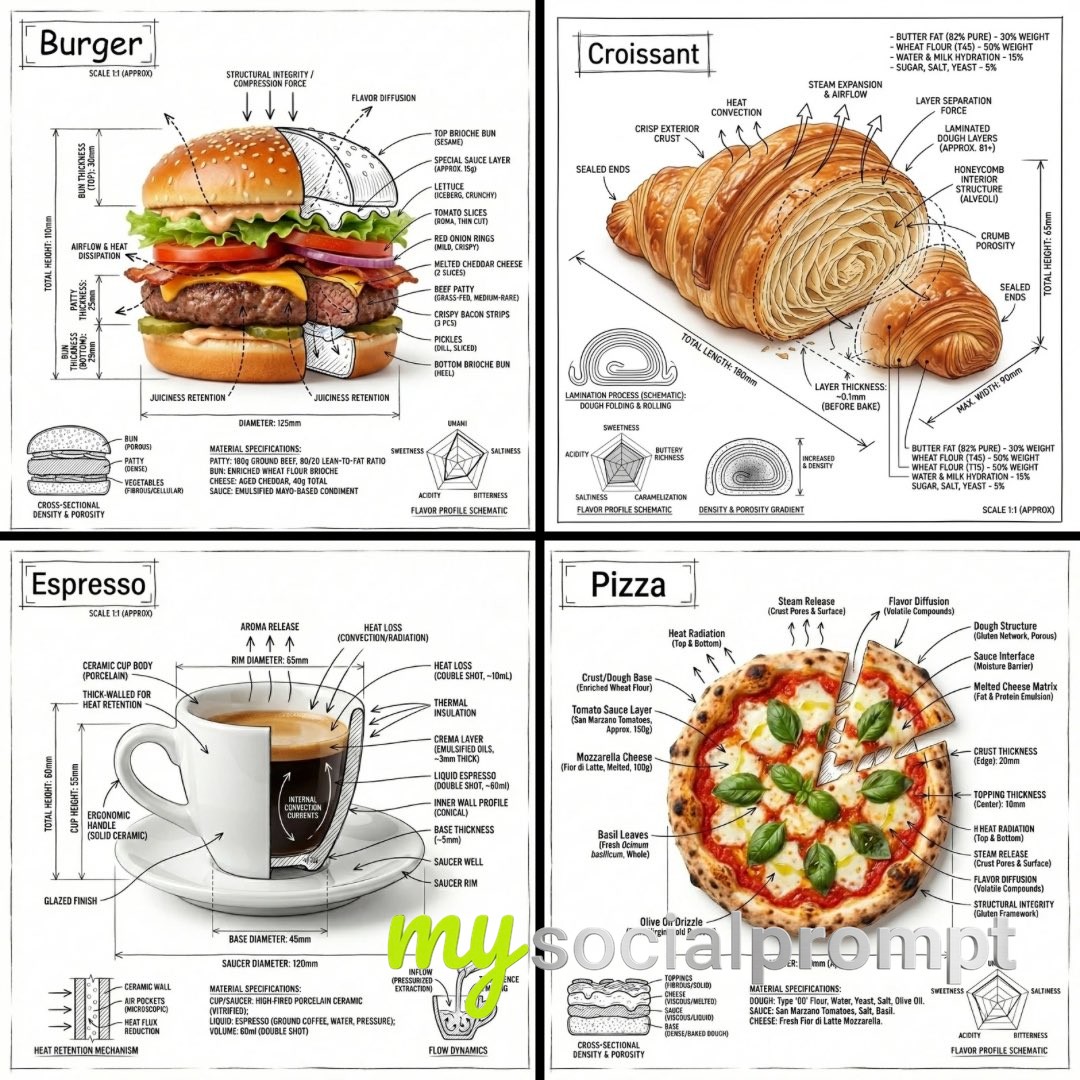
“Create an infographic image of [FOOD], combining a realistic photograph or photoreal render of the object with technical annotation overlays placed directly on top.Use black ink–style line drawings and text (technical pen / architectural sketch look) on a pure white studio background, including:•Key component labels•Internal cutaway or exploded-view outlines•Measurements, dimensions, and scale markers•Material callouts and quantities•Arrows indicating function, force, or flow (air, sound, power, pressure)•Simple schematic or sectional diagrams where relevantPlace the title “FOOD” inside a hand-drawn technical annotation box in one corner.Style & layout rules:•The real object remains clearly visible beneath the annotations•Annotations feel sketched, technical, and architectural•Clean composition with balanced negative space•Educational, museum-exhibit / engineering-manual vibeVisual style:Minimal technical illustration aesthetic, black linework over realistic imagery, precise but slightly hand-drawn feel.Color palette:White background, black annotation lines and text only. No colors.Output:1080×1080, ultra-crisp, social-feed optimized, no watermark.”
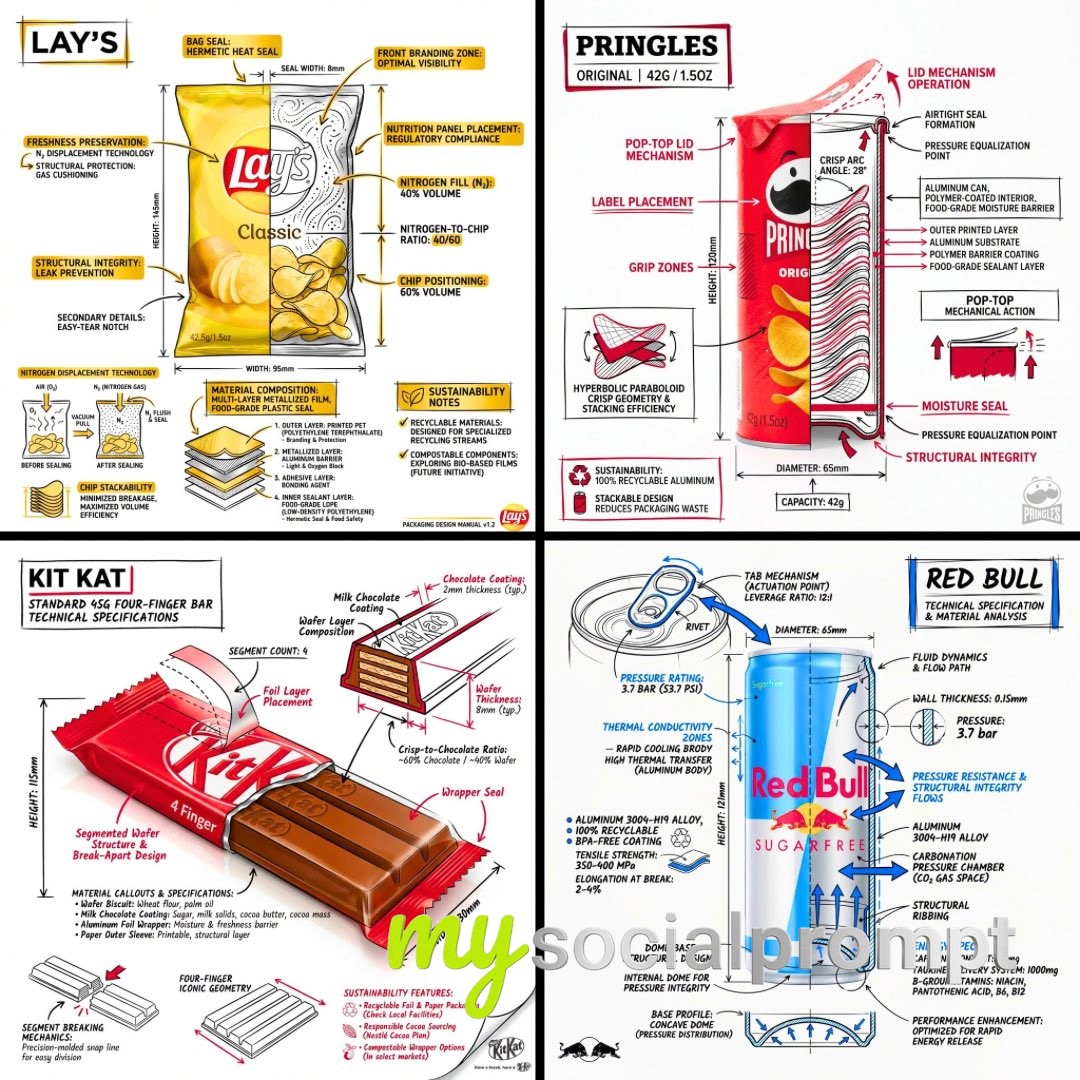
Create a branded technical infographic of a [SNACK], combining a realistic photograph or photoreal render of the product with technical annotation overlays placed directly on top. Use black ink–style line drawings with strategic [BRAND COLOR] accents (architectural sketch look) on a pure white studio background, including:• Key component labels• Internal cross-section showing structure, layering, or internal design• Measurements, dimensions, and specifications• Material callouts with composition and quantities• Arrows indicating function for primary features and structural integrity• Simple schematic or sectional diagram showing key mechanical or design elements• Sustainability calloutsTitle placement: Inside a hand-drawn technical annotation box with accent border reading the product name in bold font, positioned in upper corner.Style & layout rules:• The realistic product remains clearly visible• Annotations feel sketched, technical, and architectural• Accents used for highlight (20-30% of linework), black for primary technical lines (70-80%)• Clean composition with balanced negative space• Educational, food-engineering vibe with premium branding• Include subtle brand logo mark in cornerVisual style: Minimal technical illustration aesthetic, black linework with accents over realistic imagery, precise but slightly hand-drawn feel.Color palette: White background, black annotation lines/text, [BRAND COLOR] for accents and key callouts only.Output: 1080×1080, ultra-crisp, social-feed optimized, no watermark
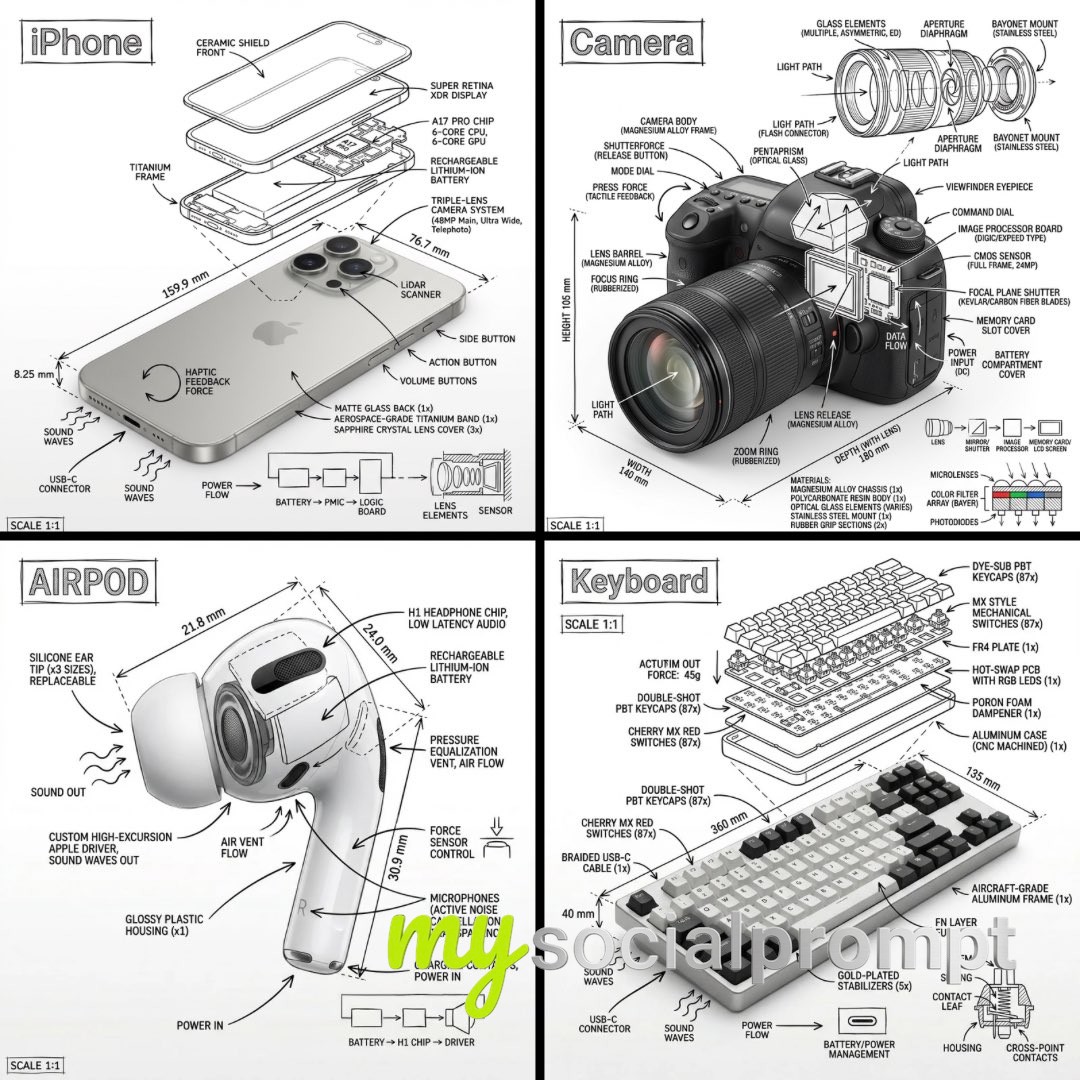
Create an infographic image of [OBJECT], combining a realistic photograph or photoreal render of the object with technical annotation overlays placed directly on top.Use black ink–style line drawings and text (technical pen / architectural sketch look) on a pure white studio background, including:•Key component labels•Internal cutaway or exploded-view outlines•Measurements, dimensions, and scale markers•Material callouts and quantities•Arrows indicating function, force, or flow (air, sound, power, pressure)•Simple schematic or sectional diagrams where relevantPlace the title [OBJECT] inside a hand-drawn technical annotation box in one corner.Style & layout rules:•The real object remains clearly visible beneath the annotations•Annotations feel sketched, technical, and architectural•Clean composition with balanced negative space•Educational, museum-exhibit / engineering-manual vibeVisual style:Minimal technical illustration aesthetic, black linework over realistic imagery, precise but slightly hand-drawn feel.Color palette:White background, black annotation lines and text only. No colors.Output:1080×1080, ultra-crisp, social-feed optimized, no watermark.
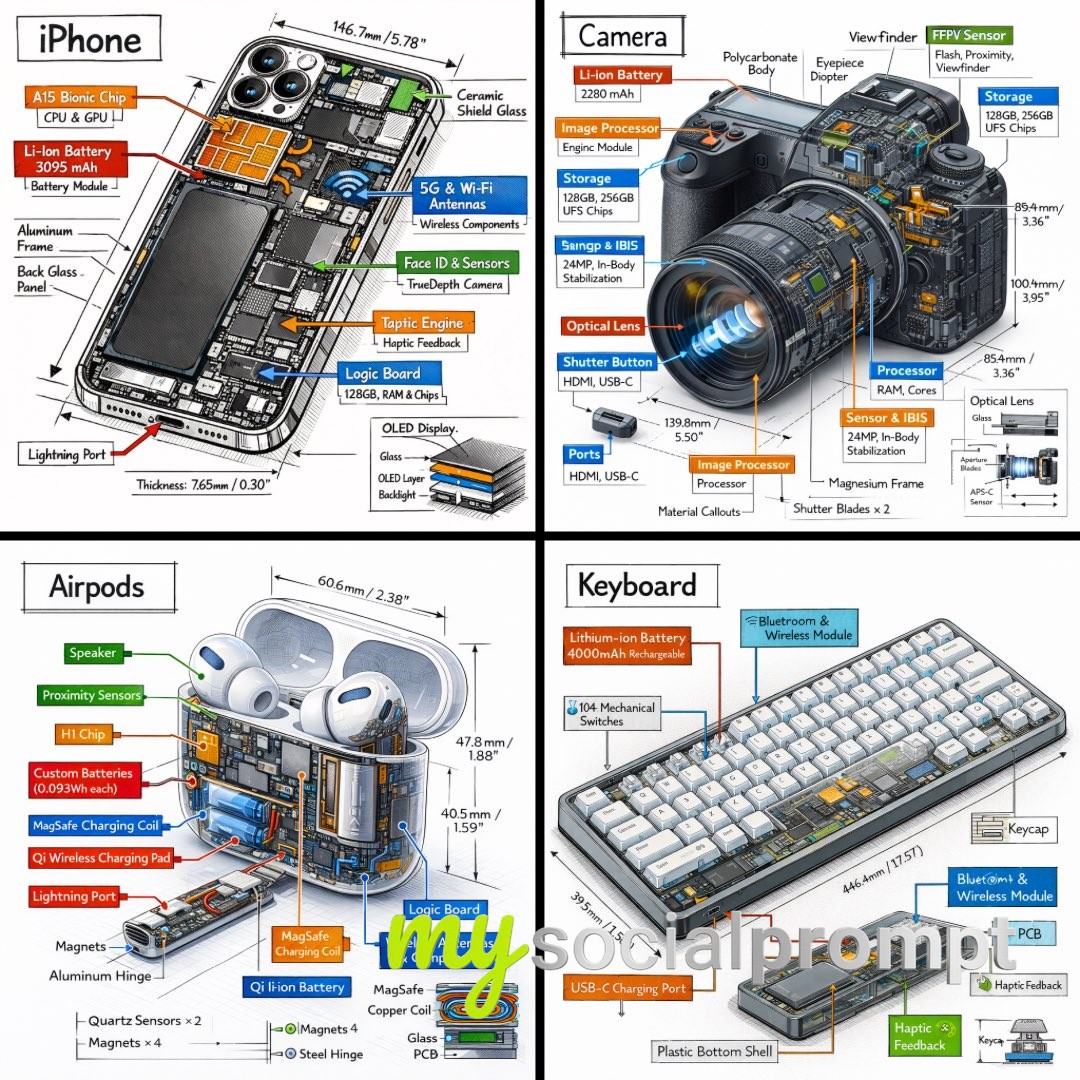
Create a technical infographic of [OBJECT] with a 45-degree isometric 3D perspective showing the device slightly tilted to reveal depth and dimension.Combine a realistic photoreal render with black ink technical annotations on pure white background. Include:Key component labels with color-coded callout boxesInternal component visibility through transparent/cutaway sectionsMeasurements, dimensions, and precise scale markersMaterial callouts and quantitiesColor-coded arrows for function/flow: RED (power/battery), BLUE (data/connectivity), ORANGE (thermal/processor), GREEN (sensors/haptics)Simple schematics or cross-sectional diagrams where relevantPlace “OBJECT” title in a hand-drawn technical box (top-left corner).Style: Black linework (technical pen/architectural), sketched but precise. Object remains clearly visible. Educational museum-exhibit vibe. Clean composition, balanced negative space.Perspective: Isometric 3D angle—tilted to show depth, dimension, and internal architecture dramatically. Like a professional product teardown or engineering manual.Colors: ~10-15% accent density. Black dominant. White background.Output: 1080×1080, ultra-crisp, social-feed optimized.
You've reached the end of the feed